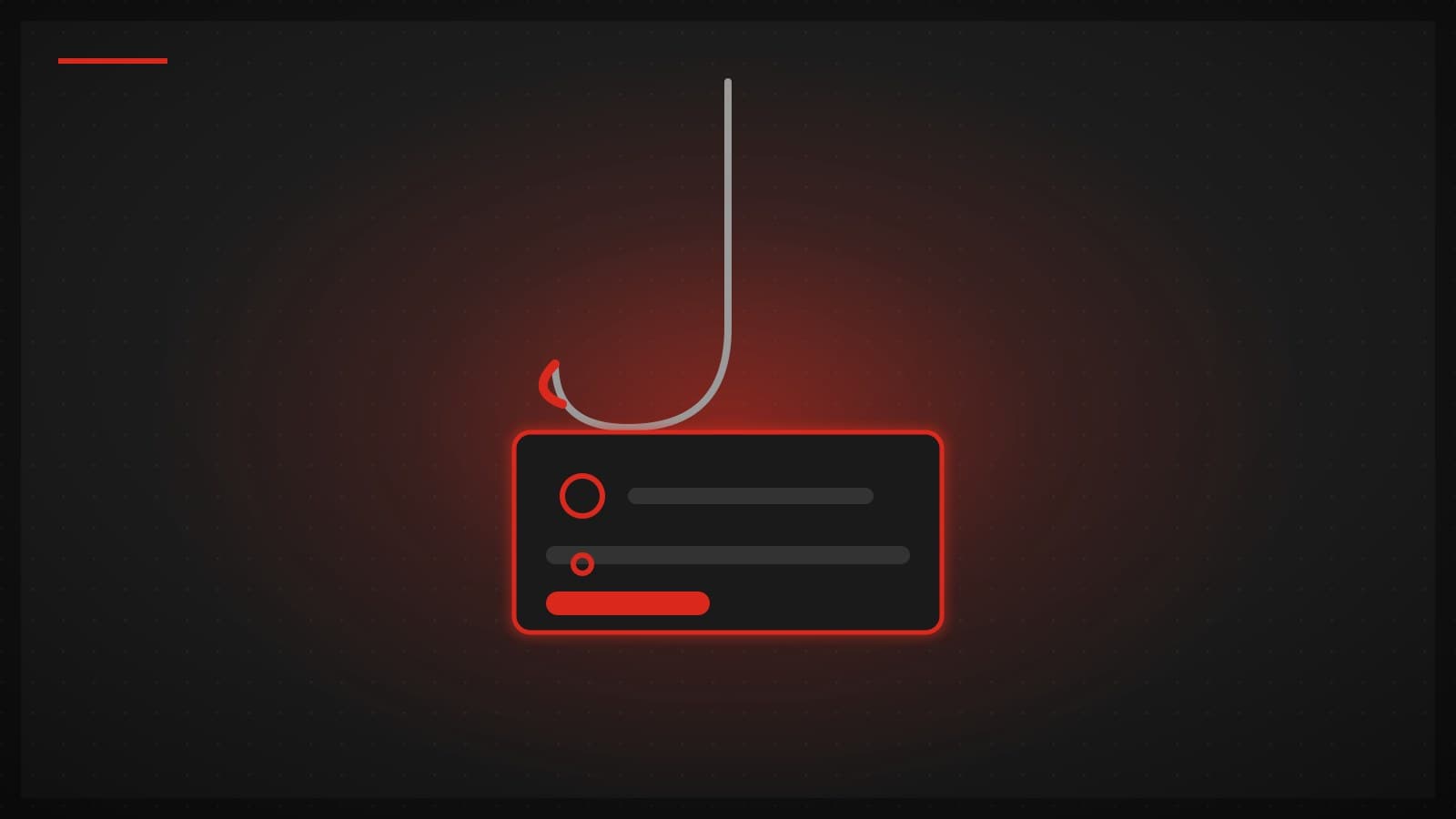
Phishing tricks you into "handing over sensitive data yourself" — passwords, card numbers, OTP codes, personal details — by impersonating a person or organization you trust. The name comes from fishing: scammers cast out huge numbers of "bait" (fake messages) and wait for whoever bites.
What makes phishing more dangerous than a virus in many cases is that it doesn't need to breach any system — it breaches the person. You type the data in yourself, believing you're talking to your bank, a courier, or a real agency.
The tactics scammers actually use
- Fake SMS — "package held, tap to confirm" / "account suspended" / "you have a refund" with a link to a fake site
- Fake chat/social accounts — impersonating a shop's admin, a bank, or a hacked friend, then asking for data mid-conversation
- Look-alike websites — pixel-perfect copies of a bank or store login, differing only in the web address (URL)
- Voice scams (vishing) — claiming to be police/courier/call-center, pressuring you to transfer or read out an OTP
- Workplace email fraud — posing as your boss or a supplier, ordering a transfer or requesting files
Signs to spot before you click (remember these 5)
- Urgency + threat — "do this within 24 hours or your account closes." Real institutions don't rush you like that.
- A wrong URL — spelled almost right but not quite: an added letter, a different domain. Check the URL every time before entering data.
- Asking for what it shouldn't — a real bank never asks for your full password or an OTP by message or phone.
- An unexpected link — even if it looks like it's from someone you know, if you weren't expecting it, be suspicious first.
- Off language — typos, blurry logos, a garbled sender address.
The one golden rule: never click a link in a message to log into an important account — open the bank app or type the web address yourself.
What to do if you already clicked
- If you entered a password — change it immediately, and everywhere you reuse that password.
- If you gave a card number/OTP — call the bank to freeze it now (the number on the back of the card, not the one in the scam message).
- Turn on 2FA on every important account — it stops a leaked password from getting straight in.
- File a report with the bank/authorities for the record.
Does a VPN stop phishing? The straight answer
A VPN does not stop phishing directly, and this is where honesty matters: phishing attacks your decision, not your connection. Even with traffic encrypted by a VPN, if you type your password into a fake site with your own hands, the VPN can't help — it delivers your data to the scammer safely and well-encrypted, if anything.
What does help is a different layer: the awareness of the 5 signs above, 2FA, and your browser/email filters that warn about dangerous sites. Some VPNs offer an add-on that blocks known malicious domains (separate from the VPN core), which reduces some risk — but it's not phishing armor and shouldn't replace judgment.
To say it completely: a VPN is useful for privacy and connection security (especially on public Wi-Fi), but the real defense against phishing is you. Anyone selling a VPN as "100% phishing protection" is overselling.
Summary
- Phishing = tricking you into handing over data by impersonating someone you trust — it breaches the person, not the system.
- Remember the 5 signs: urgency+threat, a wrong URL, asking for what it shouldn't, an unexpected link, off language.
- Golden rule: never click a link to log into an important account — open the app / type the URL yourself; turn on 2FA everywhere.
- A VPN does not stop phishing directly — because it attacks decisions, not connections; awareness + 2FA are the real defense.
Want a VPN this honest about its own limits — TukTukVPN handles your connection privacy and security from one app on every device. Your first purchase carries a 30-day money-back guarantee.