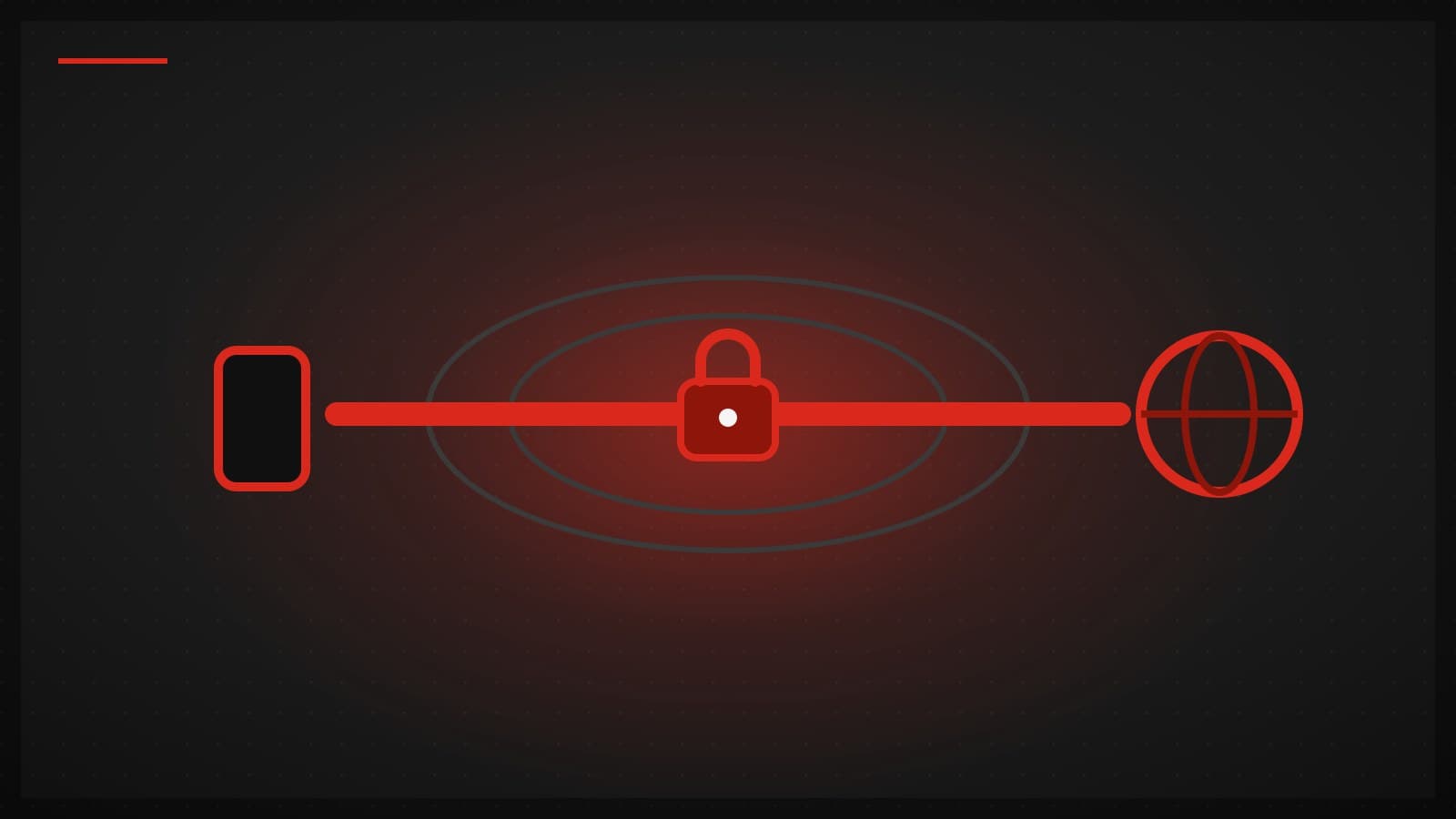
The shortest honest answer: a VPN (Virtual Private Network) creates an encrypted "tunnel" between your device and an intermediary server. All of your internet traffic travels through that tunnel before reaching the open internet. Two things change as a result: anyone in the middle (your ISP, the café Wi-Fi owner) can no longer read what you are doing, and the websites you visit see the server's IP address instead of yours.
This article is written by the team that develops a VPN app and operates its network. We will explain from the actual mechanics, not from a brochure — including the things a VPN cannot do, which most ads skip.
How a VPN works (the two-minute version)

Normally your device talks to a website "directly" through your internet provider (ISP). The ISP always sees where you connect, and the destination sees the IP address your ISP assigned to you.
With a VPN on, the sequence becomes:
- The VPN app builds an encrypted connection from your device to a VPN server (the "tunnel").
- Everything — web, apps, games — is wrapped in encryption and sent into the tunnel.
- The VPN server unwraps it and forwards it to the destination on your behalf.
- Replies come back the same way, in reverse.
Everything useful about a VPN grows from those two changes: the middle of the path cannot read your traffic, and the destination sees the server's IP, not yours.
Want to see it live? Open our IP check page before and after connecting — the address websites see changes instantly.
What is a "protocol" then?
A protocol is the "language" the app and server use to build the tunnel. Each one trades differently between speed and resistance to blocking. TUKTUKVPN runs three families side by side (VLESS+Reality, Hysteria2, WireGuard) and lets the app automatically pick the fastest one that actually works on the network you are on. The deep dive lives in our plain-language protocol guide.
What a VPN genuinely helps with
- Privacy from middlemen — your ISP, hotel or café Wi-Fi operators, and anyone sniffing the same network see only encrypted traffic to one server.
- Reaching things blocked by location — services you already have the right to use but that geo-block you, e.g. traveling abroad and finding your home streaming subscription unavailable. Connect to a server back home and it works again (details in our piece on VPNs and football streaming).
- Less IP-based tracking — ad networks have a harder time tying behavior to your IP because you share the server's address with other users.
- Safety on public Wi-Fi — the easiest place to intercept traffic is between your device and the router, exactly the stretch the tunnel covers.
What a VPN cannot do (and sellers rarely say)
- It does not make you invisible. Sites you log into still know it's your account; cookies and browser fingerprinting still track you. A VPN hides your path and IP, not your entire identity.
- It does not make illegal things legal. Encryption does not change the legal status of what you do.
- It is not an antivirus. The tunnel delivers data safely; if the destination is a malicious file, it is still malicious.
- Nobody can guarantee 100% access to any streaming service forever. Major platforms block VPN IP ranges as routine work. A provider that guarantees it is a provider that overpromises.
Does a VPN keep logs? How to read that marketing
In this industry, "no-logs" means the provider keeps no record of usage activity (sites visited, source IP, connection times) in a form traceable back to a user — but providers draw that line in very different places. The more useful question is: what exactly do you keep?
Our own straight answer: TUKTUKVPN keeps what the service needs to run — your account, how much data you have used against your plan, and your devices. Where Thai law requires us to retain data, we retain it and say so.
How to choose a VPN without being led by ads

A short checklist from the operator's side of the fence:
- Do they list what they keep? A concrete list beats a slogan.
- Which protocols, and does it adapt? Networks block differently; a system with several escape routes stays up more.
- In-house app or white-label? Teams that write their own apps fix problems faster — they control every layer.
- Does the price make sense? Free always costs something; the question is who pays and with what. If it is not your money, it is usually your data.
- Can you pay the way you want? We take cards, PromptPay, TrueMoney, and crypto.
Ready to try it? Download TUKTUKVPN — iOS, Android, Windows, macOS, and Linux. It is the same app we used to test everything described above.